
Game details
- Players
- 1 player
- Category
- Strategy
- Creator
- Tailorgame
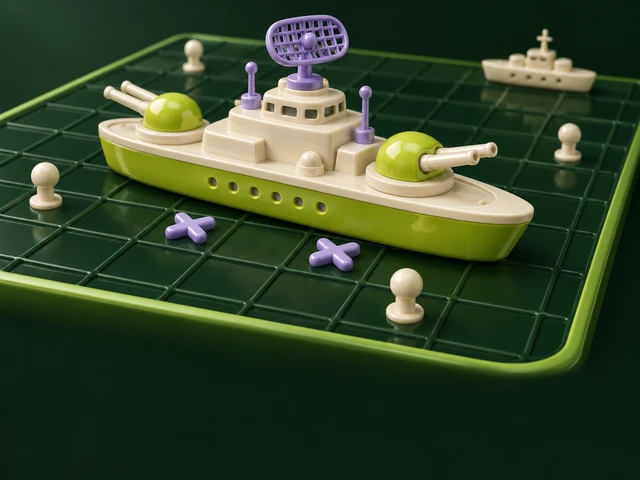
Hide a five-ship fleet on a ten-by-ten chart, call shots like b4 and sink the computer’s fleet first. Classic rules, four difficulty levels.
This is a solo game. Share the public link to challenge a friend to play their own round; this game does not have synchronized online rooms.
History and origins
Hidden-fleet guessing moved from pencil-and-paper play into commercial boards; Hasbro identifies 1967 as the start of its familiar plastic Battleship edition. Tailorgame’s chart-style interpretation keeps two ten-by-ten grids and five ships but is currently solo against the computer. Alternating single shots, touching ships and its practice-score formula are explicit choices. Sharing this page does not create a human-versus-human online battle.
The Tailorgame edition
Place five straight ships of lengths 5, 4, 3, 3 and 2 on your 10 × 10 chart. Ships cannot overlap or leave the chart, but they may touch. Drag a ship, or select it and choose a cell. With the keyboard, Enter picks up or drops, arrows move, R rotates and Escape puts it back.
Full playing guide
Place your fleet
Place five straight ships of lengths 5, 4, 3, 3 and 2 on your 10 × 10 chart. Ships cannot overlap or leave the chart, but they may touch. Drag a ship, or select it and choose a cell. With the keyboard, Enter picks up or drops, arrows move, R rotates and Escape puts it back.
Fire and follow the clues
You fire first, then alternate one shot per turn, even after a hit. Use a grid cell or the coordinate field. On touch, select a cell and confirm Fire, or tap it again. A hit reveals only that cell; sinking reveals that ship. Sink all five enemy ships to win. Resigning awards the win to the computer and submits no practice score.
Difficulty and practice results
Choose a computer difficulty before starting. The computer reasons from its shots and answers, not your hidden fleet. A win scores 1,000 plus speed, surviving-ship and difficulty bonuses; a loss scores 20 per hit and 50 per ship sunk. Game controls are in English. The last battle report stays in this visit; online human rooms are not implemented.
Battleship rules: fleets, shots and solo practiceFrequently asked questions
How do I play Battleship?
Place five straight ships of lengths 5, 4, 3, 3 and 2 on your 10 × 10 chart. Ships cannot overlap or leave the chart, but they may touch. Drag a ship, or select it and choose a cell. With the keyboard, Enter picks up or drops, arrows move, R rotates and Escape puts it back.
Can I play Battleship with friends?
This is a solo game. Share the public link to challenge a friend to play their own round; this game does not have synchronized online rooms.
How do I invite someone to Battleship?
This is a solo game. Share the public link to challenge a friend to play their own round; this game does not have synchronized online rooms.
Is Battleship free to play?
Playing supported games is free. You can read this page without an account; sign in when you choose Play.
How does the scoreboard work?
The board ranks each player’s best saved solo practice score for this game. Equal scores share a rank. Use Refresh scoreboard after saving a result. Practice points are browser-reported, not verified competition. Online match results stay in their private rooms.
What is the history of Battleship?
Hidden-fleet guessing moved from pencil-and-paper play into commercial boards; Hasbro identifies 1967 as the start of its familiar plastic Battleship edition. Tailorgame’s chart-style interpretation keeps two ten-by-ten grids and five ships but is currently solo against the computer. Alternating single shots, touching ships and its practice-score formula are explicit choices. Sharing this page does not create a human-versus-human online battle.
Do I need to install anything?
Play in a modern browser with JavaScript enabled. No separate game download is needed. Available keyboard and touch controls are described in the playing guide.