Choose a game and create a room
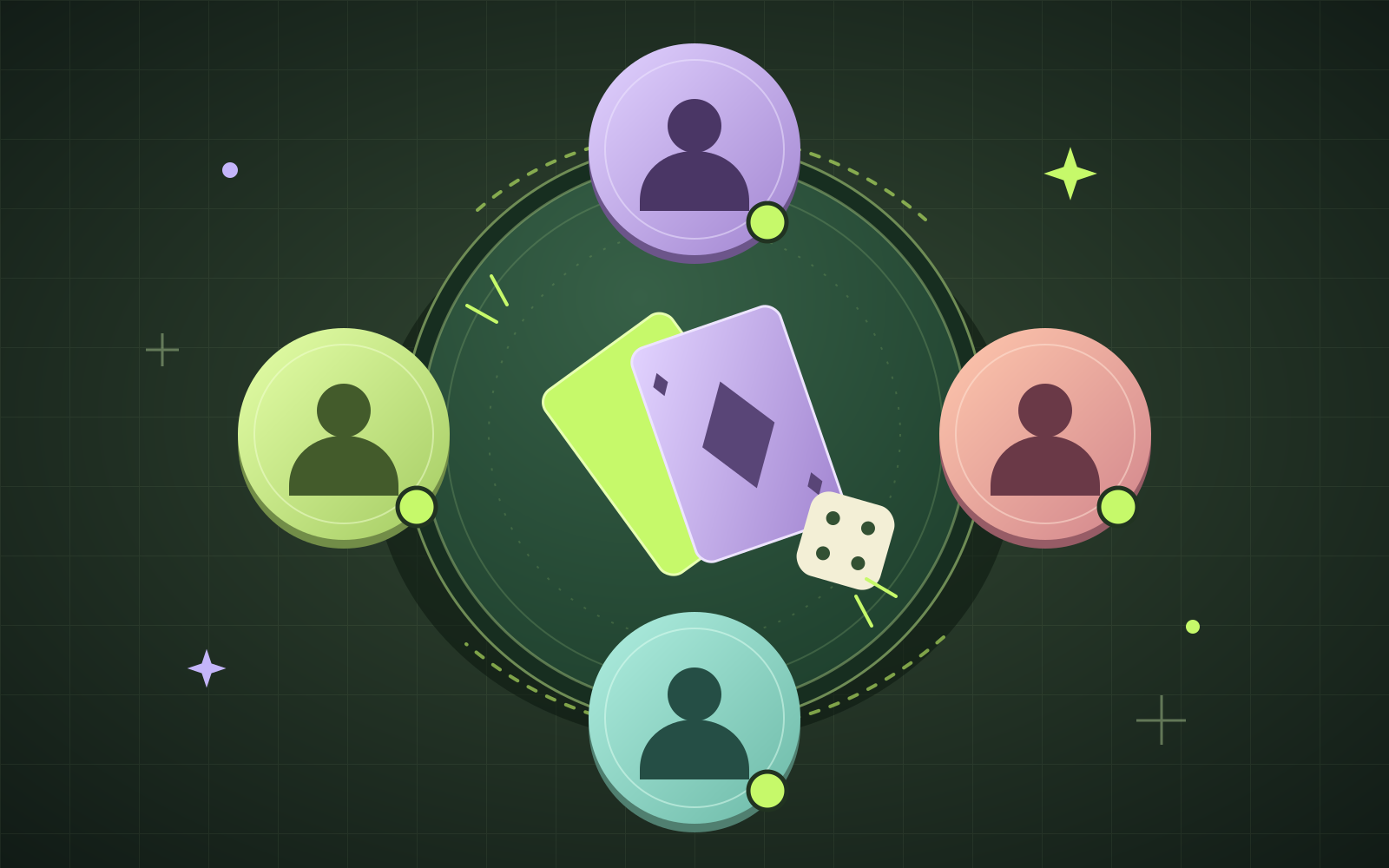
Sign in, choose a playable game, and open the friends area to create a room. Give the room a clear name so your friends can recognize it. A room supports up to four members, including its host.
Share the invitation carefully
Share the room’s invitation link or six-character code with the people you want to join. A room invitation grants access to its game, including when the associated game is private. Treat the code as an invitation, and share it only with your intended players.
Your friends can join with the link or enter the code in the join-room control. Room membership is saved. Use the refresh control to see updated members; the member list does not refresh automatically.
Plan a friendly practice session
Rooms organize players around a game, but they do not synchronize gameplay. You can agree on a practice challenge with friends, play your own rounds, and compare your results together. Live shared game state and verified competition are not currently available.
A little inspiration.
Now make it your own.